

Admin-only links
Objectives
Section titled “Objectives”In the previous guide, we learned how to protect routes in Remix by using the loader function to check if a user has the ‘admin’ role.
Now that we have protected the admin review page, we need to provide a link in the navbar to the admin review page only for users with the ‘admin’ role.
This is actually a straightforward fix that can be done in a couple of easy steps.
Conditionally render the admin link
Section titled “Conditionally render the admin link”-
Open
app/components/organisms/HeaderWithSearch.tsx. -
Add the following code to the
HeaderWithSearchcomponent:app/components/organisms/HeaderWithSearch.tsx 6 collapsed linesimport { Link, useMatches } from 'react-router'import { SearchBar } from '#app/components/search-bar.tsx'import { Button } from '#app/components/ui/button.tsx'import { UserDropdown } from '#app/components/user-dropdown.tsx'import { useOptionalUser } from '#app/utils/user.ts'import logo from '~/assets/png/epic-news-logo.png'export default function HeaderWithSearch() {const matches = useMatches()const isOnSearchPage = matches.find(m => m.id === 'routes/users+/index')const searchBar = isOnSearchPage ? null : <SearchBar status="idle" />const user = useOptionalUser()const isAdminUser = user ? userHasRole(user, 'admin') : falsereturn (<header className="bg-emerald-50 py-6 dark:bg-emerald-950"><nav className="container flex flex-wrap items-center justify-between gap-4 sm:flex-nowrap md:gap-8"><Link to="/" className="group"><div className="flex items-center gap-4 transition group-hover:opacity-80"><img src={logo} alt="Epic News Logo" className="w-16" /><span className="text-sm font-bold text-foreground">Epic News</span></div></Link><div className="flex flex-1 items-center justify-center gap-8">{isAdminUser && (<Linkto="/admin-review"className="rounded-lg bg-green-900 px-4 py-2 text-sm font-semibold text-foreground transition hover:bg-green-800">Admin Review</Link>)}<Linkto="/news"className="text-sm font-semibold text-foreground transition hover:text-foreground/80">News</Link>13 collapsed lines<Linkto="/about-us"prefetch="intent"className="text-sm font-semibold text-foreground transition hover:text-foreground/80">About us</Link><Linkto="/contact-us"className="text-sm font-semibold text-foreground transition hover:text-foreground/80">Contact us</Link></div><div className="ml-auto hidden max-w-sm flex-1 sm:block">4 collapsed lines{searchBar}</div><div className="flex items-center gap-10"><LoginOrUserDropdown /></div><div className="block w-full sm:hidden">{searchBar}</div></nav></header>)}
Testing - admin user login
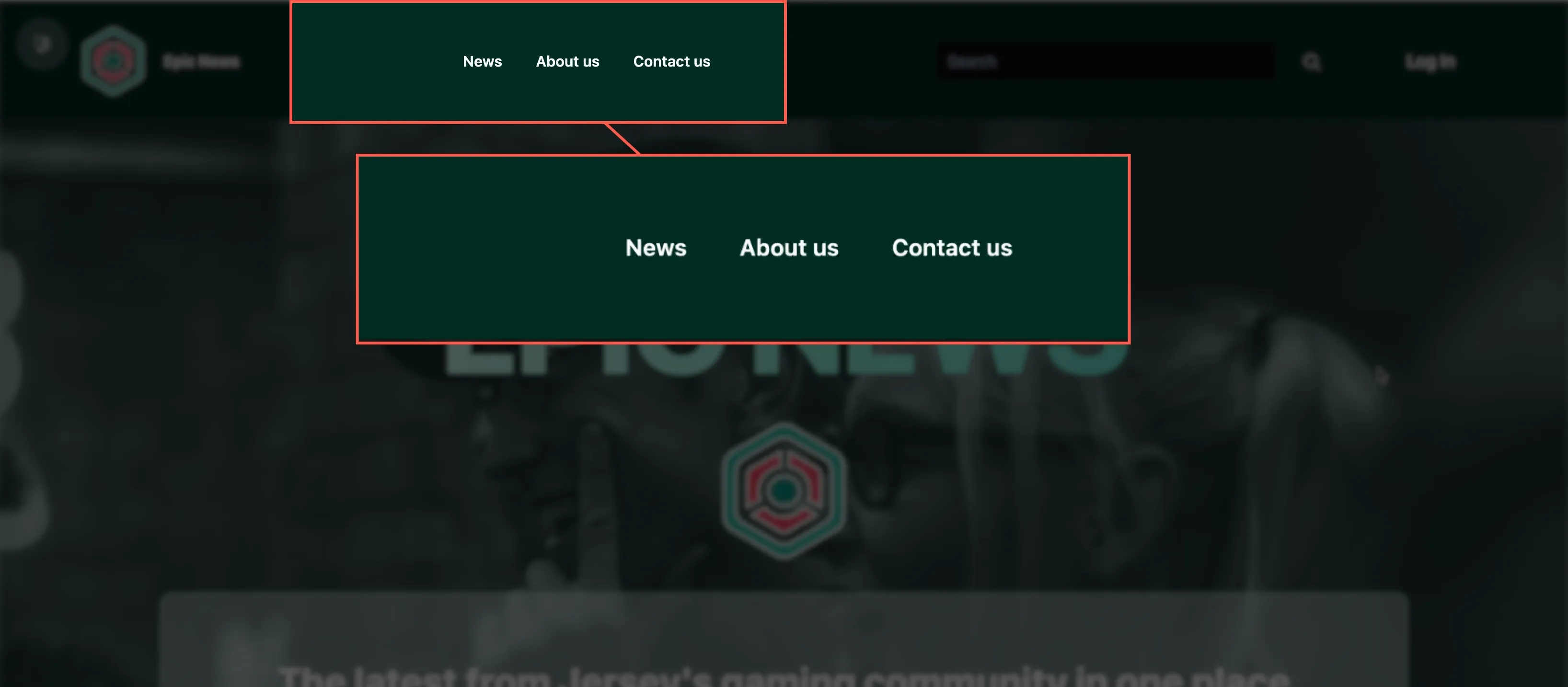
Section titled “Testing - admin user login”Whilst logged in as a normal user, or when not logged in at all, you should not be able to see the new admin link in the navbar:
Now, log out of the application completely.
Once successfully logged out, log back in with the following details:
Username: kody Password: kodylovesyou
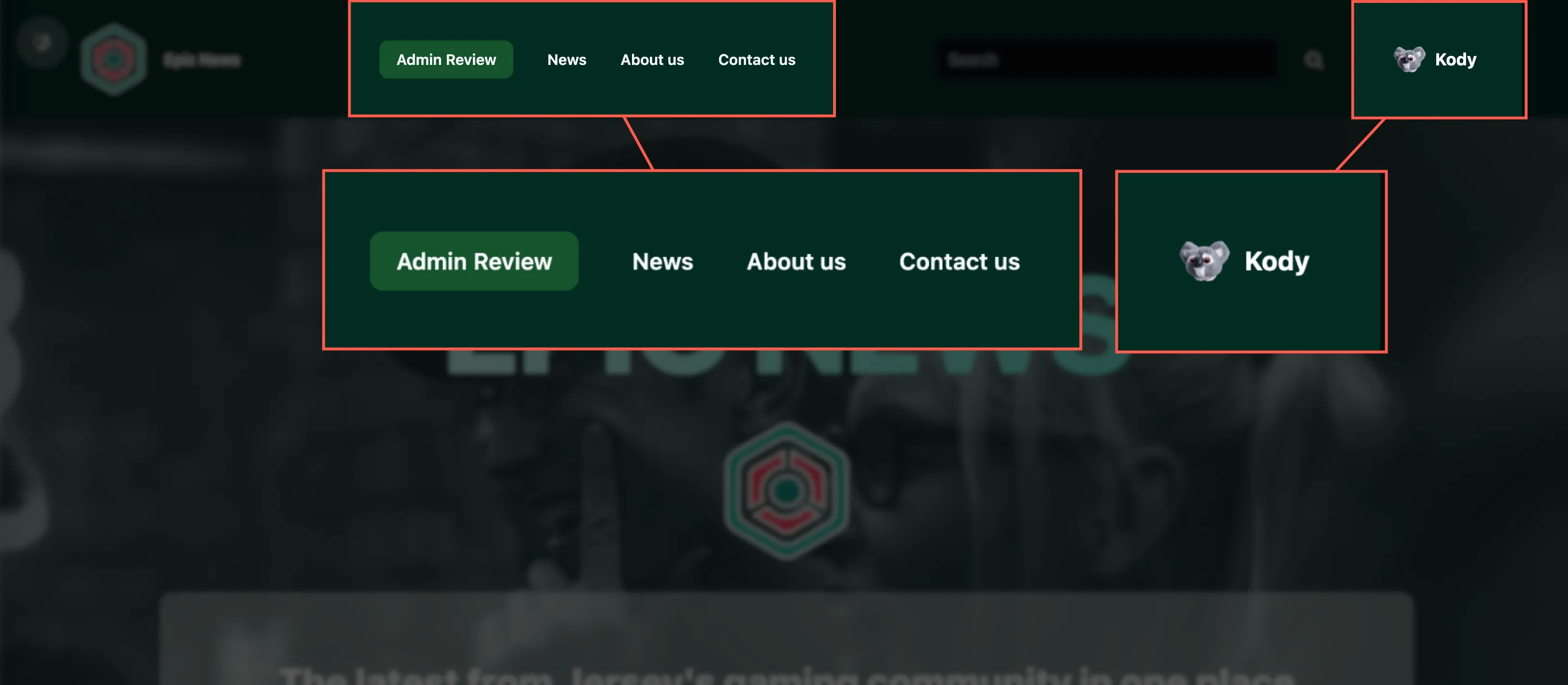
Once you are logged in as ‘Kody’, you should now see the “Admin Review” link has now appeared in the navbar:
Click on this link, and you should be taken straight to the admin review page.
Summary
Section titled “Summary”In this tutorial, we have:
- Created an optional admin user check in the
loaderfunction. - Added an admin link to the navbar that is only visible to users with the ‘admin’ role.